How to read your inverter app

Tony Lopes
Short answer: Four numbers tell you most of what you need: PV production (what the panels make), battery state of charge (SOC), home load (what the house uses) and grid import or export. On a healthy sunny day, production rises in a smooth curve to a midday peak, the battery fills by early afternoon, and grid import stays low until evening.
Last updated November 2026.
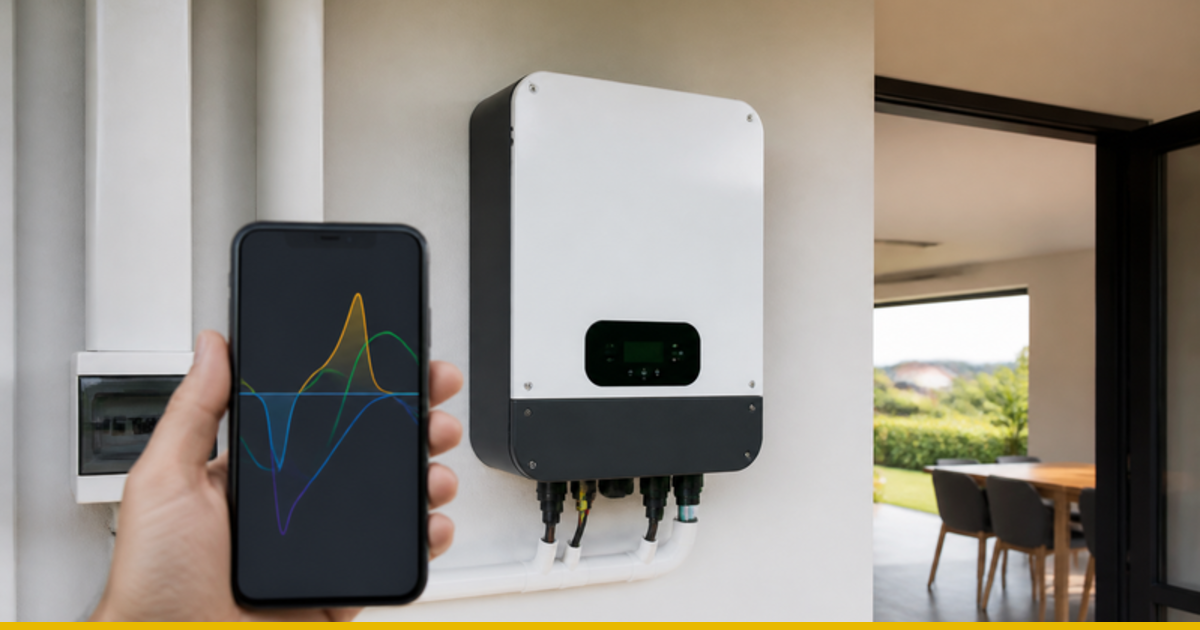
Every hybrid inverter comes with a monitoring app, whether it's FoxESS, Sunsynk, Deye, Victron or another brand. The screens look different, but they all show the same flows of energy. Learning to read them takes five minutes and is the cheapest way to catch a fault early. If the app shows something you can't explain, a Solar Health Check finds the cause.
How do I read my solar monitoring app?
| Number | What it means | What healthy looks like |
|---|---|---|
| PV / Solar (kW and kWh) | Power the panels are making now (kW) and energy made today (kWh). | A smooth bell curve on clear days, peaking around midday. |
| Battery SOC (%) | State of charge: how full the battery is. | Filling during the morning, full by early afternoon on a sunny day, then draining slowly overnight. |
| Load / Consumption | What your home is using. | Spikes when the geyser, kettle or pool pump run; a steady base the rest of the time. |
| Grid (import / export) | Power bought from, or sent to, the municipality or Eskom. | Little import in daylight. Export only if your system is registered and set up for it. |
What is a good daily production figure?
In Gauteng, a well-installed system makes roughly 4 to 5.5 kWh per kW of panels on a clear day, depending on the season, roof direction and shading. A 5 kW array would typically produce about 20 to 27 kWh on a sunny day. Compare like with like: today against a similar day last month or last year, not against a cloudy day. Our guide to an underperforming solar system explains what to check.
Why does my app show grid import during the day?
Some import is normal when a big load, such as a geyser or oven, briefly needs more than the inverter or panels can supply. Steady daytime import on a sunny day can mean inverter settings that prefer the grid, a battery reserve set too high, or a system that's too small for your daytime use. Your installer can check the settings; see also load shifting.
Which patterns point to a problem?
- A flat-topped production curve at midday: the inverter may be limiting output, or the array is larger than the inverter can use.
- A sudden drop in production that lasts for days of good weather: a tripped string, a failed connector, new shading or dirty panels.
- A battery that never reaches 100% on sunny days: often a settings issue, an undersized array or an ageing battery.
- SOC falling fast at night compared with before: the battery may be ageing. See battery lifespan and replacement cost.
- Gaps in the data: the logger has lost Wi-Fi. Fix this first, or faults go unnoticed.
- Fault or alarm codes, or an inverter that trips: note the code and time for your installer. See inverter keeps tripping.
Safety First
- Use the app to watch, not to fix. Changing grid or battery settings on a registered system should be done by your installer.
- Don't open the inverter or battery to investigate a fault. Call a registered installer.
Frequently Asked Questions
What is a good daily production figure?
Roughly 4 to 5.5 kWh per kW of panels on a clear Gauteng day, varying with season, direction and shade.
Why does my app show grid import during the day?
Brief import during big loads is normal. Steady import on a sunny day usually points to settings or sizing.
What does SOC mean?
State of charge: how full your battery is, shown as a percentage.
Where We Fit In
If your app shows a pattern you can't explain, CleanVolts arranges a Solar Health Check with a registered CleanVolts Approved installer, who contracts with you directly and does the work. If the installer pays us a referral fee, we tell you up front.